Simulations for the modern era
A modern UI for SimulationCraft.
Write and read rotations, manage your characters, compare upgrades, and run simulations without having to leave the page.
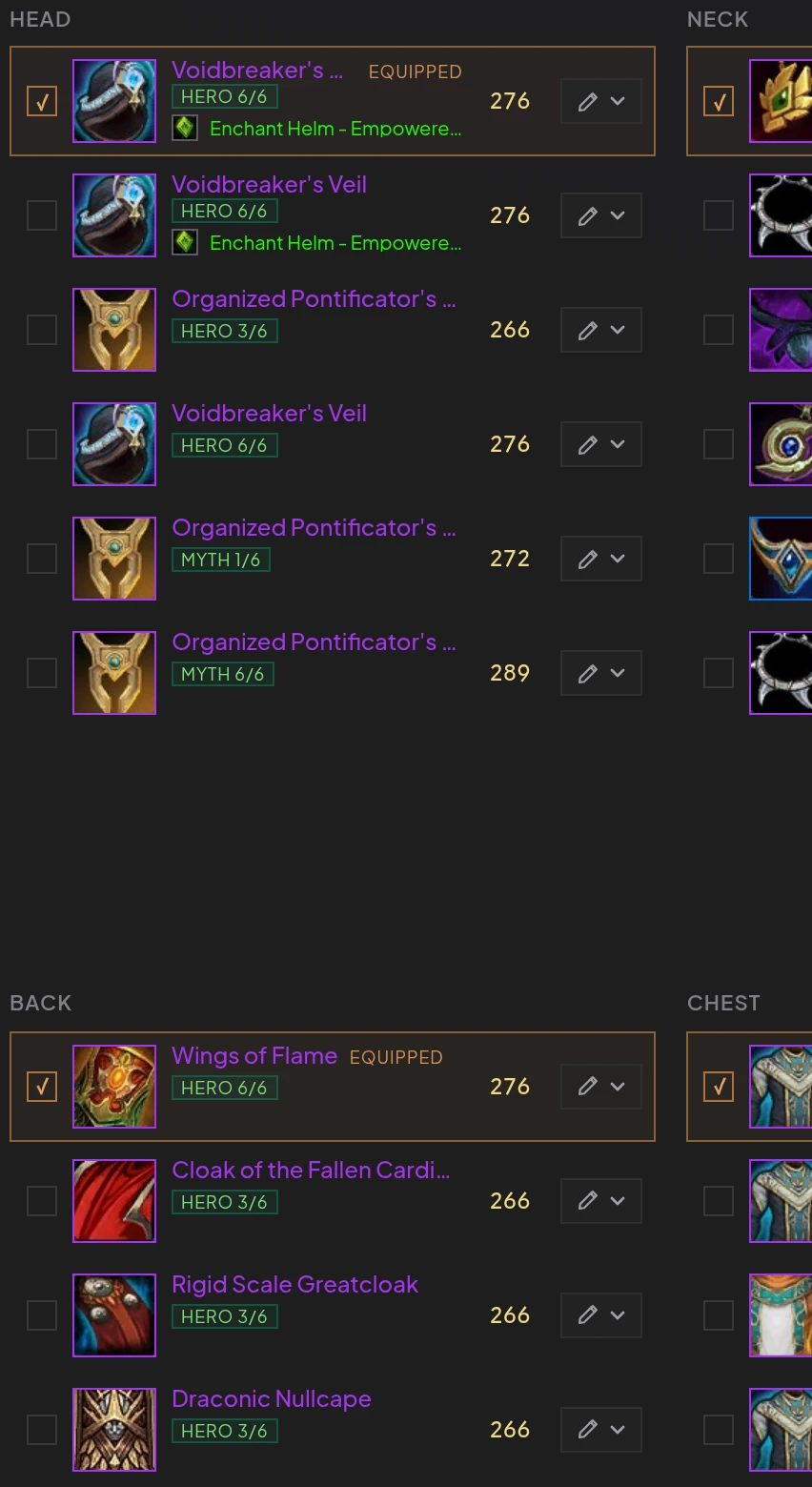
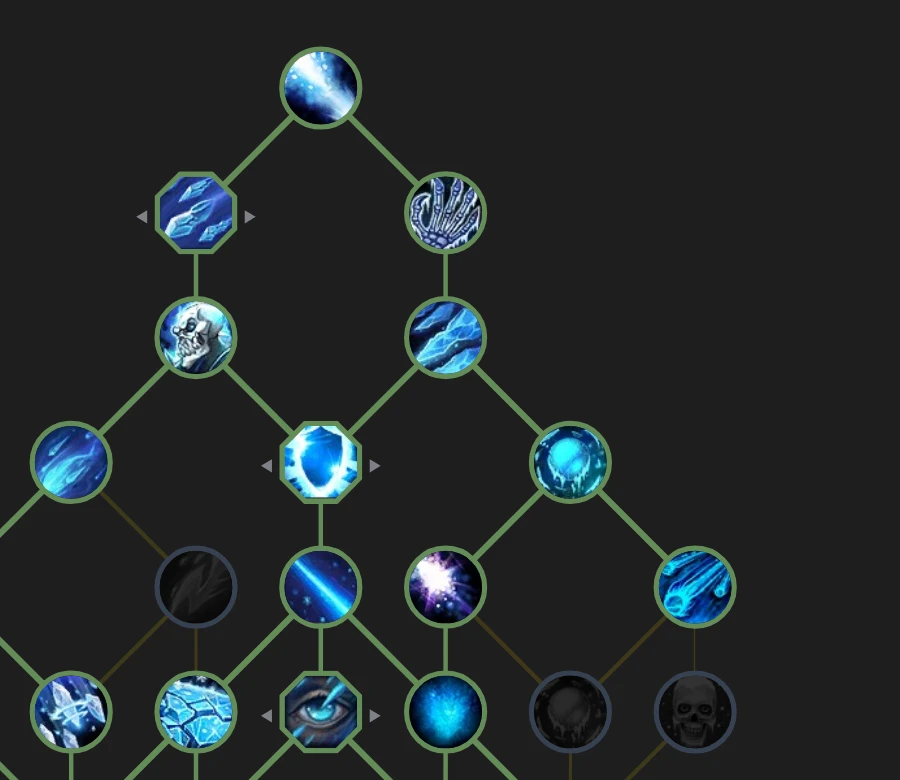
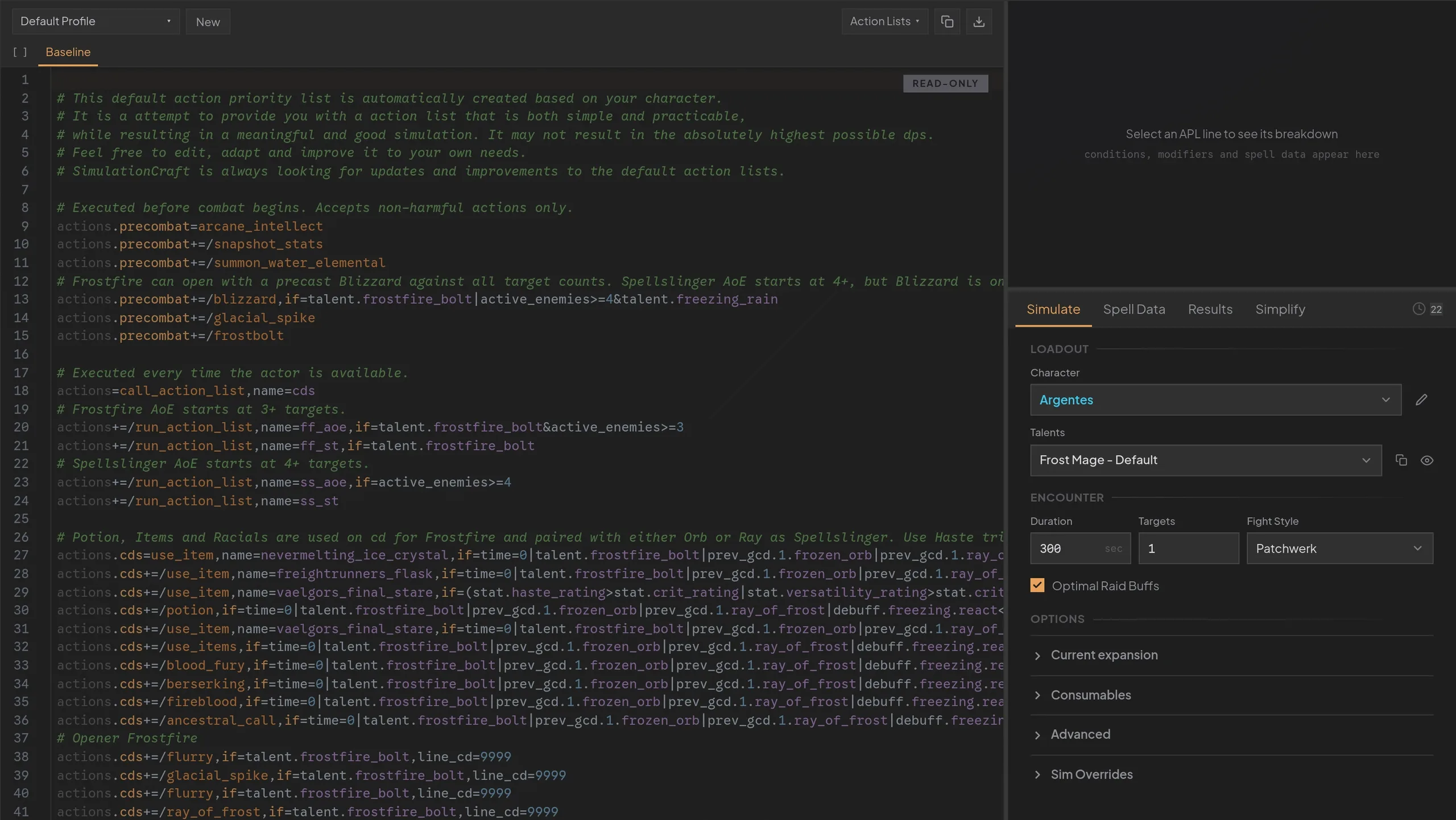
Multiple tools working together
Everything lives in one place, sharing the same characters, talents, and items.
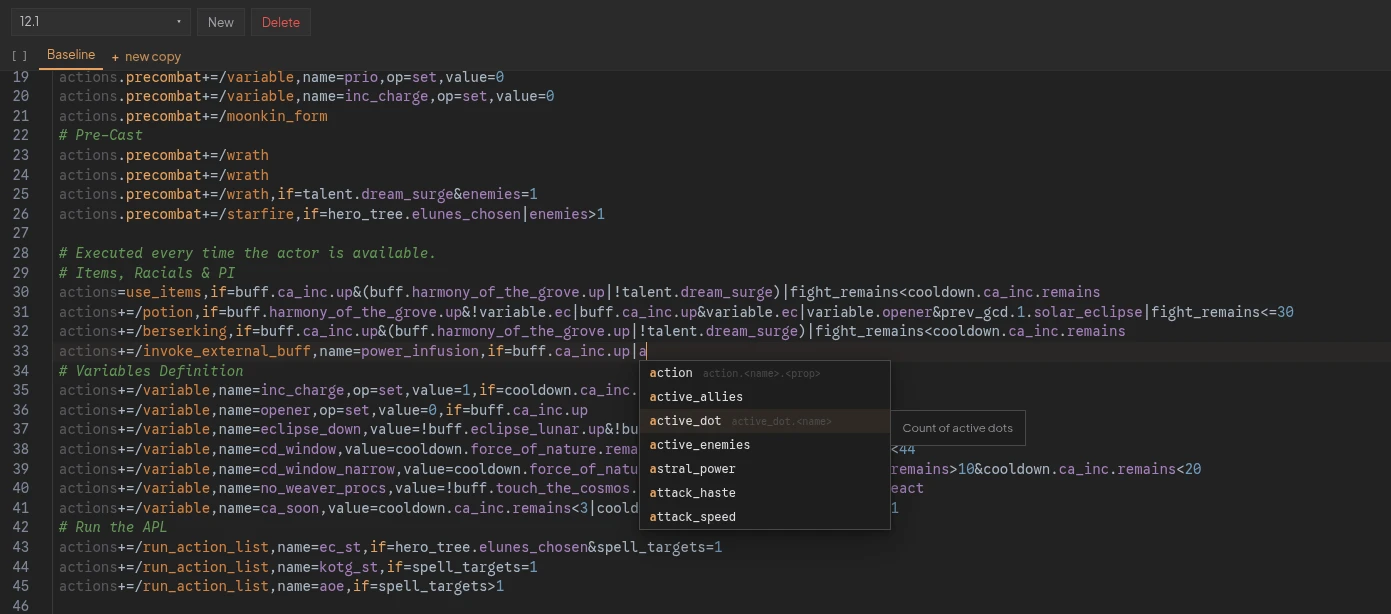
An editor meant for APL
Syntax highlighting, autocomplete, and validation built specifically for SimulationCraft. Edit a rotation, override spell data to test tuning changes, and run the sim without switching windows.
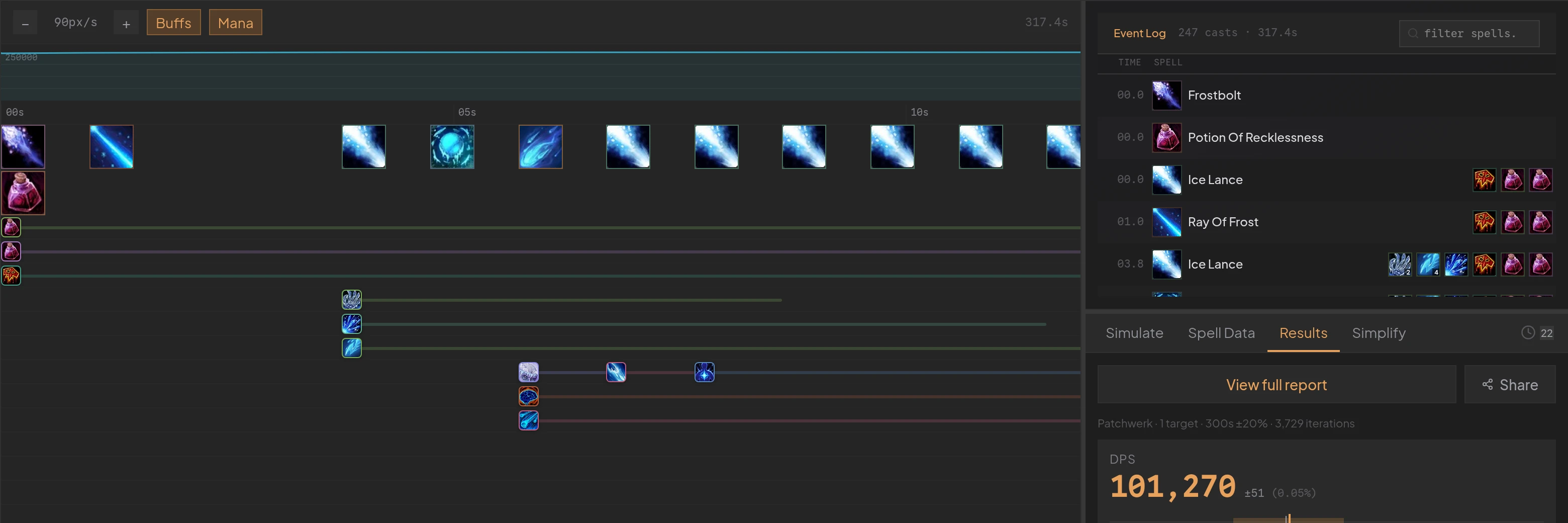
Watch the fight, cast by cast
Every cast is shown on an interactive timeline, complete with buffs and player resources. Examine the sample sequence by itself, or compare it to other runs side by side.
Gear combinations
Gear compare sims the items you have; the optimizer sims the drops you might want.
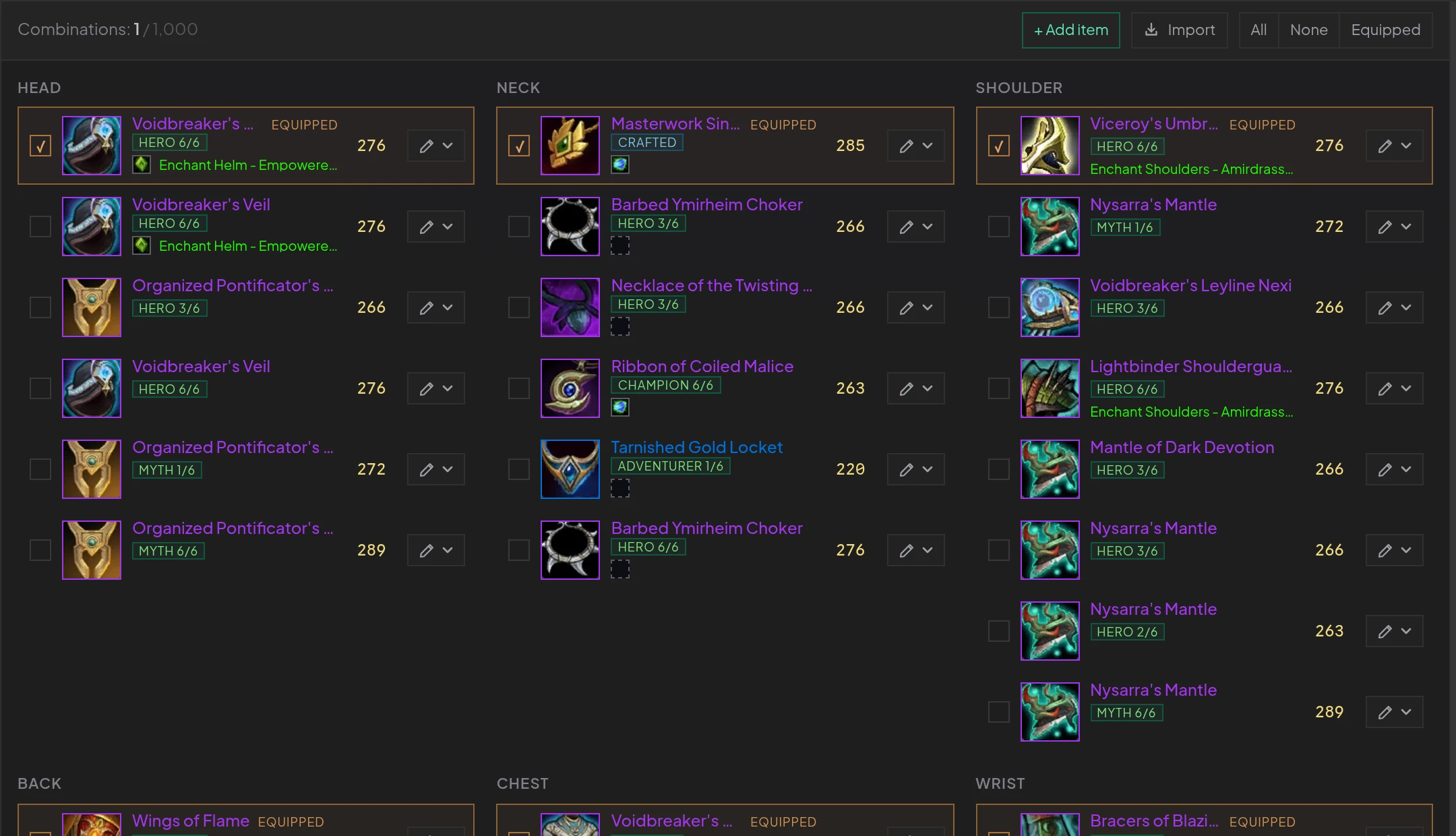
Sim every upgrade decision
Import everything in your bags, with enchants, gems, and embellishments. Generate missing items from scratch, then find the best combinations between the upgrades you can actually afford (or not).
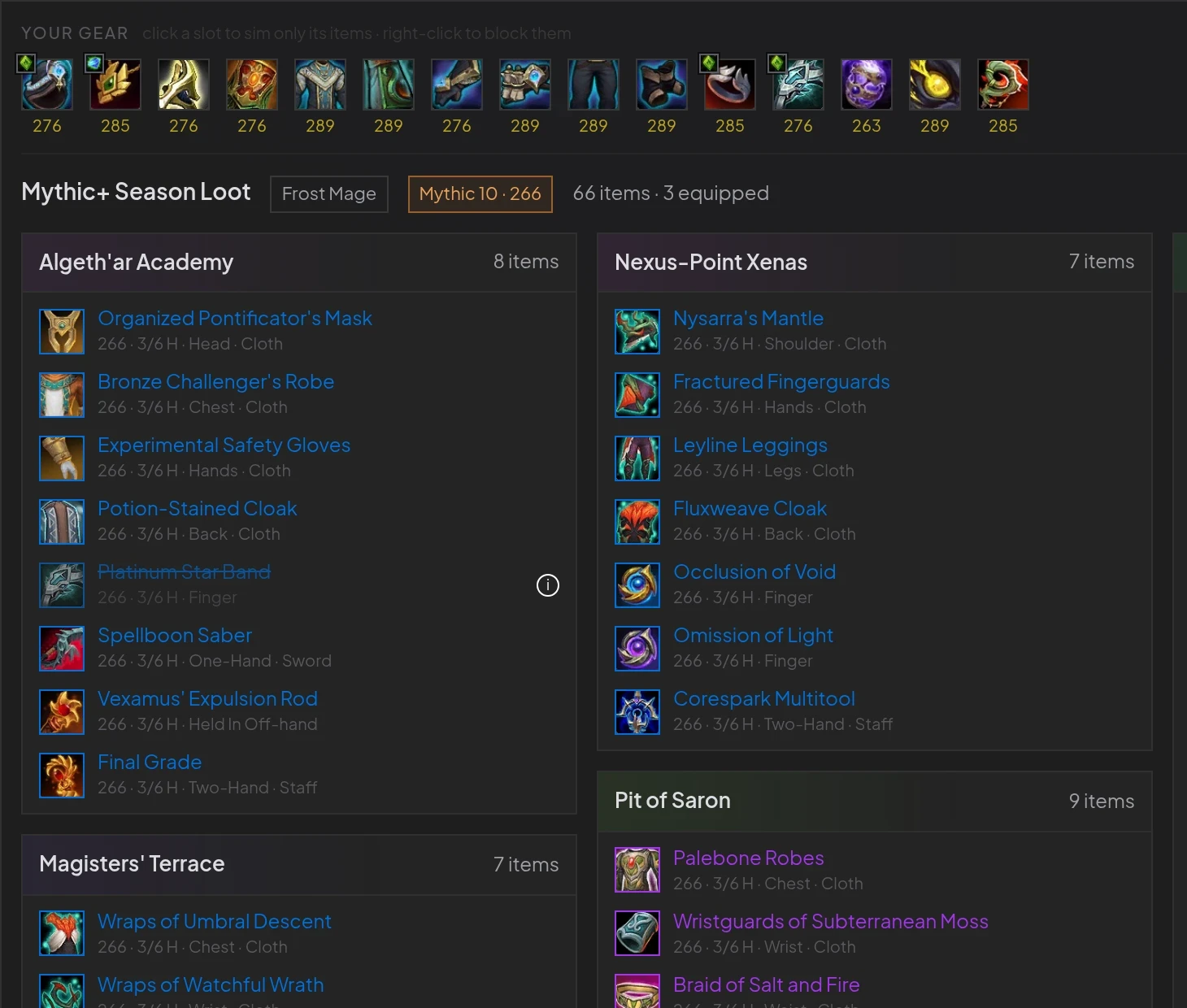
Sim loot before it drops
Seasonal loot from dungeons, raids, and crafting, all in one place. Sim them with one click to immediately find which ones are upgrades for your characters.
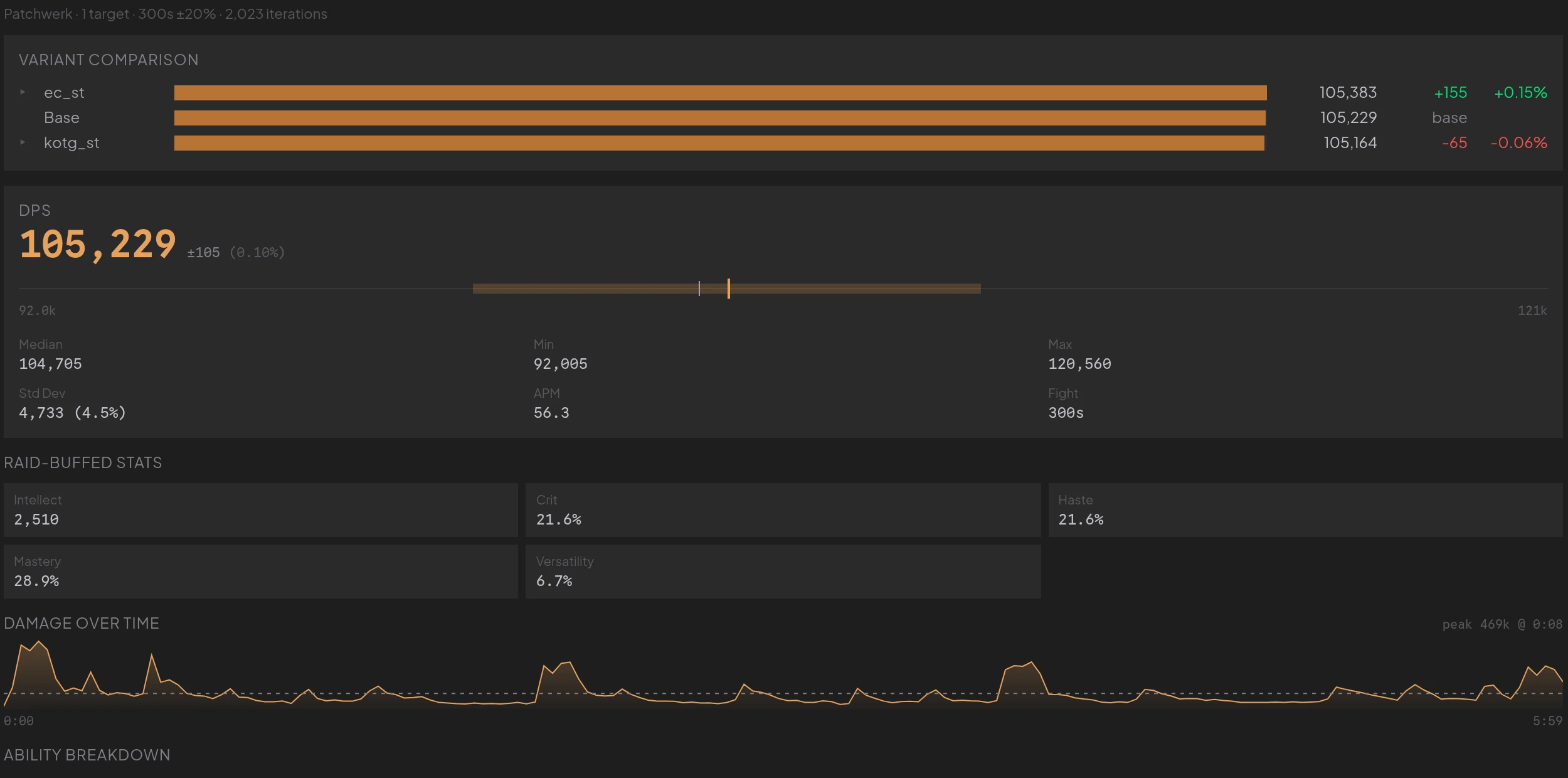
Clear and detailed results
Run your simulations, compare custom rotations, and share the results. Each report includes all the information you need to understand the sim and make meaningful decisions.
Your whole roster, a few clicks away
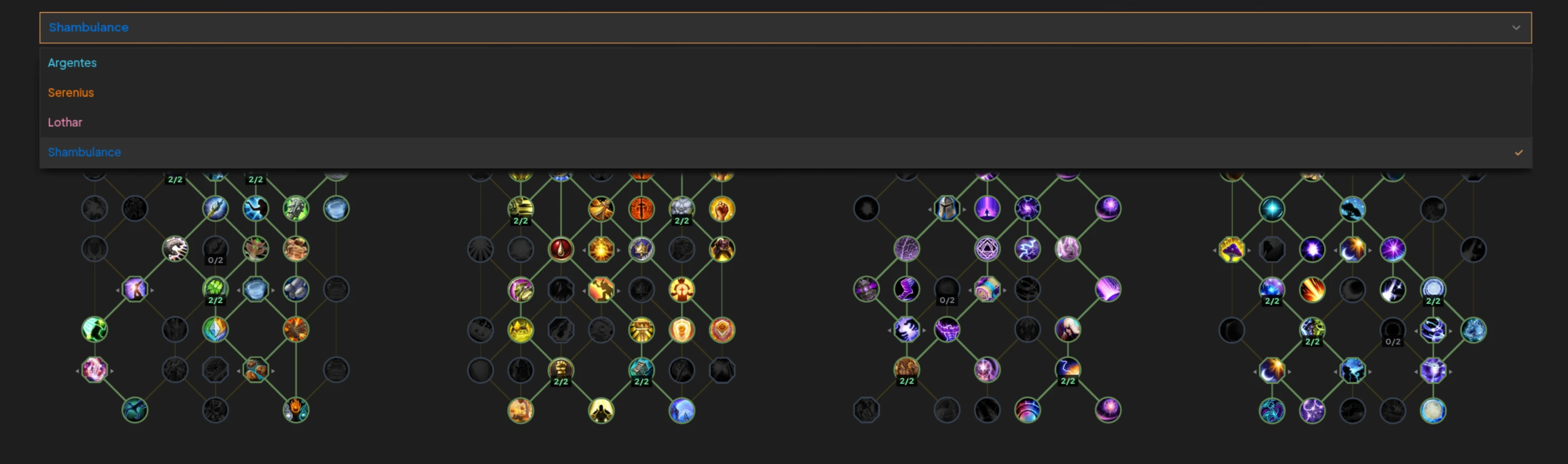
All your characters can be easily imported and edited on the fly! Change gear, talents, and consumables without having to leave the app.
Your APL, understood
The editor parses your action list in real time, highlighting conditions, spell references, and variable expressions. Autocomplete knows about buffs, dots, talents, and resources allowing you to focus on the logic, not the syntax.
Use the editor with full autocomplete and syntax highlighting. Import existing profiles or start from scratch.
Set up your character profile, pick fight parameters, and run sims with a single click. Watch results as soon as they are ready.
Tweak conditions, swap talents, run evaluations across scenarios, and zero in on the highest-performing rotation.
Stop guessing.
Start simming.
Import your character and get your first answer in minutes. No setup required.